Table Detection
Detects supported poker table windows and keeps your workspace organized as sessions evolve.
Start your 30-day free trial
Public Beta — 100% FREE — --- d : -- h : -- m : -- s remaining
Start your 30-day free trial
 Seatify Pro
 More than a table manager. Seatify Pro organizes your whole workspace — tables, lobbies, Discord, browsers, trackers — so every window lands where it belongs. Auto-tiling, layouts, hotkeys and app slots in one native desktop app.
BETA In active development. Some bugs may occur on certain configurations, and updates ship regularly.
Built around the real workflow of high-volume online players: opening tables, managing layouts, acting fast and keeping the screen clean.
Detects supported poker table windows and keeps your workspace organized as sessions evolve.
Event-driven table placement with atomic window moves for smooth, low-flicker workspace organization.
Configurable keyboard shortcuts for faster manual navigation and workflow control during multitabling sessions.
Visual highlight for the active table so your attention stays anchored during busy sessions.
Create table, lobby, replayer and waiting slots across one or multiple monitors. Save and load layouts instantly.
Adjusts your selected workspace layout as table count changes, helping your desktop remain clean and readable.
Step-by-step setup guide to get you playing in minutes. Pick your room, configure your layout, and you're ready.
No concept art and no generic dashboard mockups. These are captures from the Windows app you download.
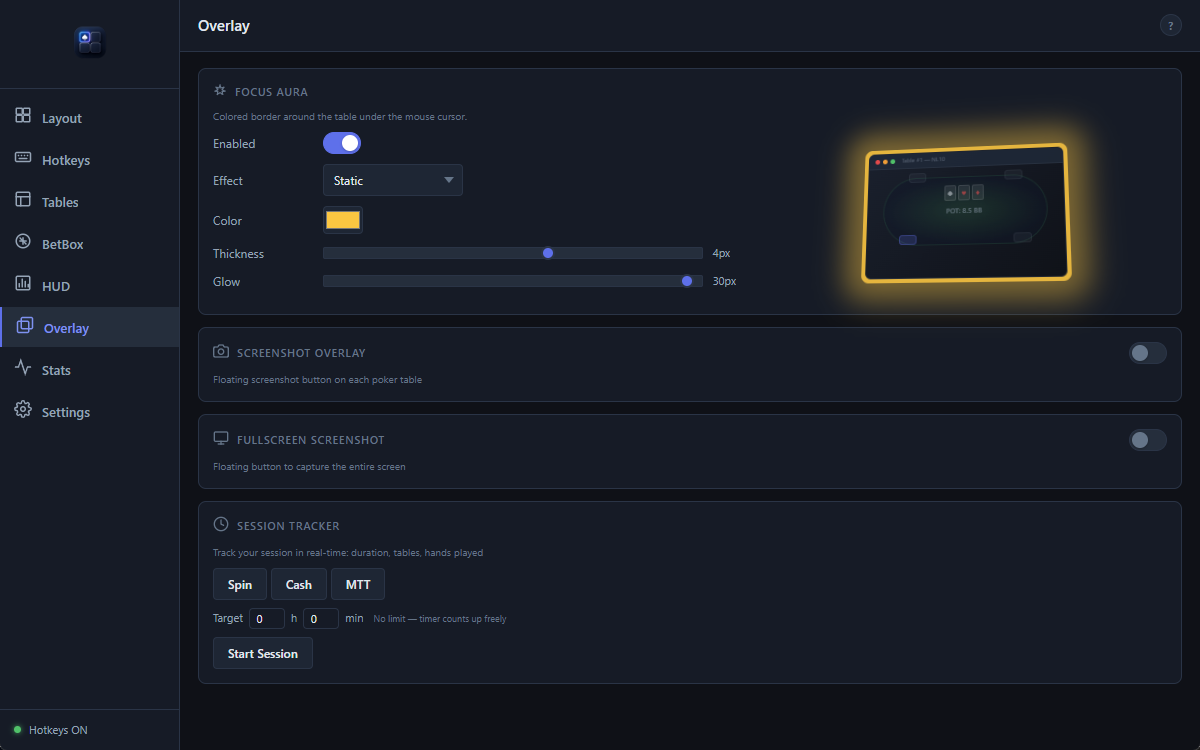
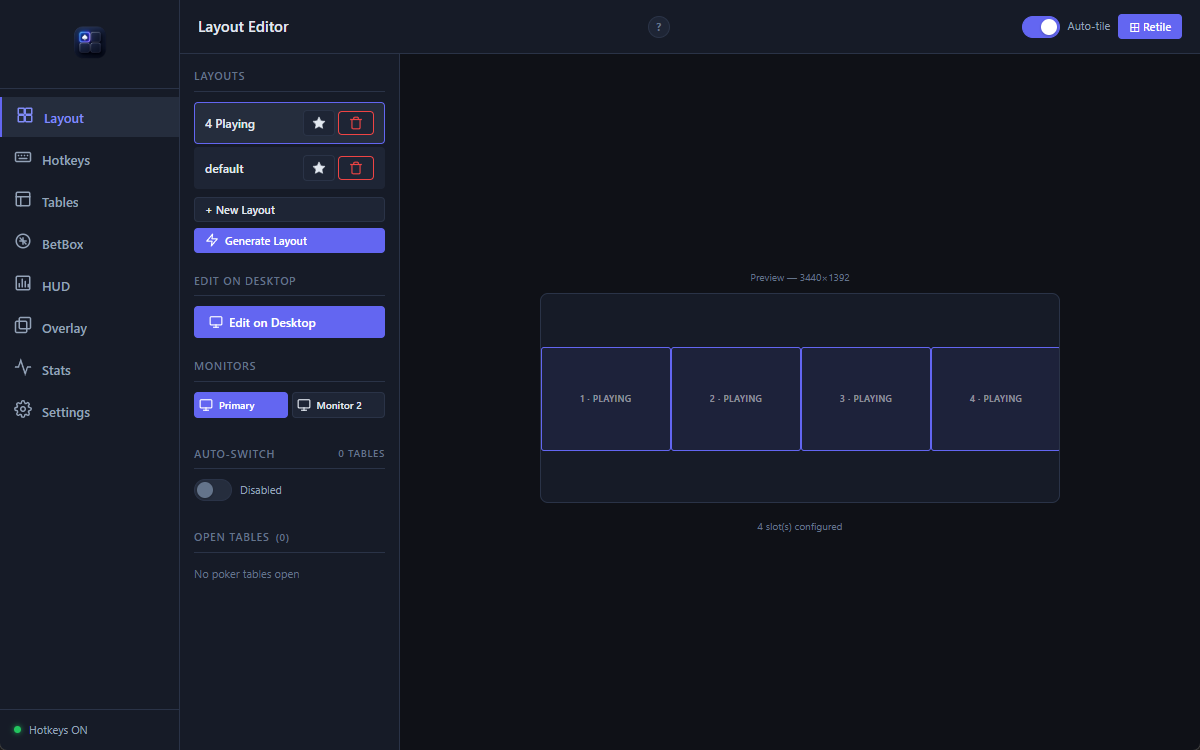
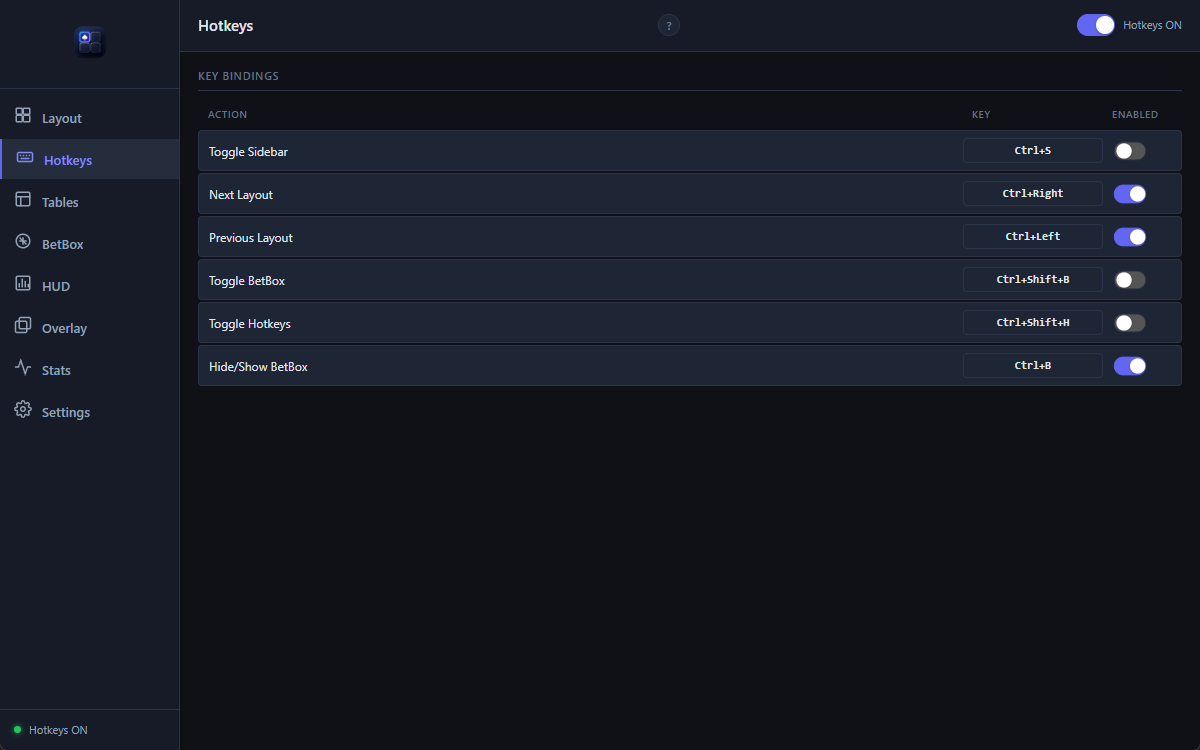
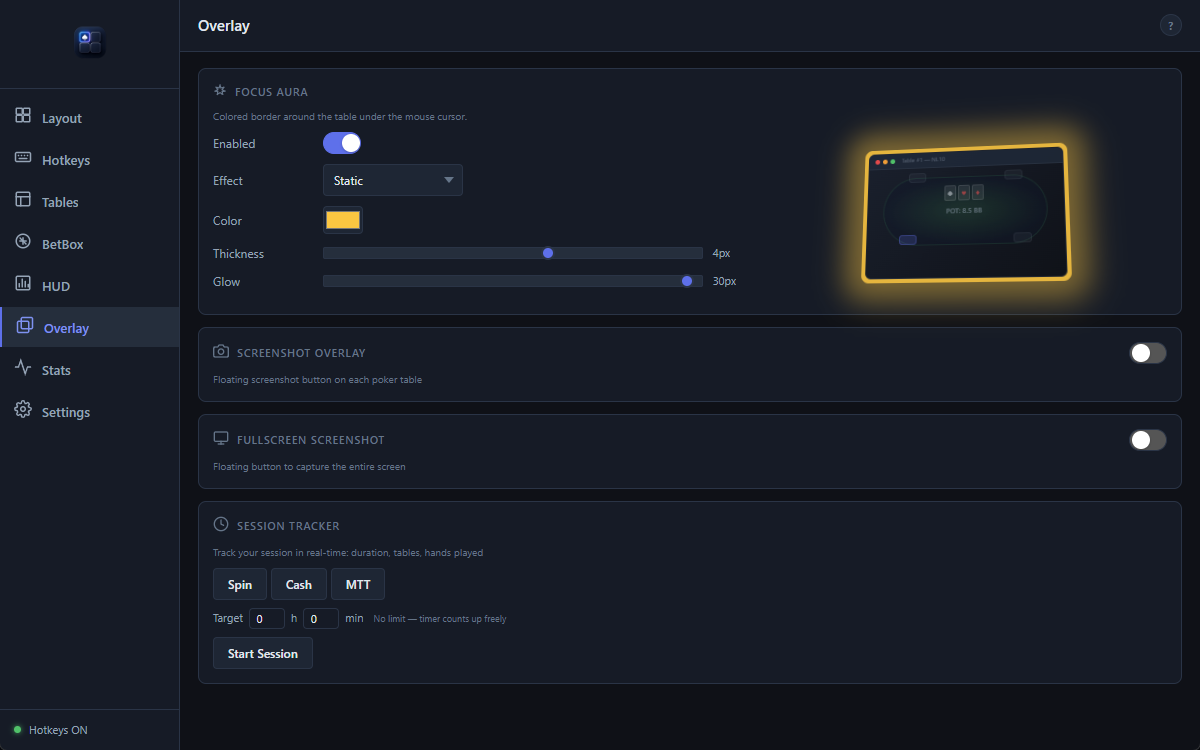
See how Seatify compares to other table management tools.
| Feature | Seatify Pro |
|---|---|
| Auto-tiling | ✓ Instant |
| Multi-room & apps | ✓ Rooms + Windows apps |
| Bet sizing overlay | Coming soon |
| Non-intrusive | ✓ Fully external |
| Layout editor | ✓ Visual drag & drop |
| Hotkeys | ✓ |
| Focus Aura | ✓ Fully customizable |
| Pricing | 10.99€/mo |
| Updates | ✓ Weekly |
| Built with | Native compiled (Rust) |
| Reactivity | Designed for low latency |
| RAM usage | Lightweight native app |
Confirmed clients work out of the box. If a room changes its windows — or yours is not listed yet — Seatify Engine lets a player teach the app what changed instead of waiting for the next release.
A room update no longer has to break your setup.
Point at the window Seatify got wrong, tell it what that window is, and the fix works immediately on your PC. Share it for review and other players can receive the same fix too.
Pick the window and label it table, lobby, waiting room, replayer or spectator.
The rule saves locally and applies at once. No restart or support ticket.
Share it if you choose. Approved rules join the signed community set.
Seatify is a native desktop workspace, not a poker bot and not another heavy runtime. It organizes windows, then gets out of the way.
The event-driven Rust core reacts when a table changes instead of polling the desktop constantly. Window moves are applied atomically, so a layout settles without watching each table jump into place.
Seatify operates as an external overlay and desktop window manager. It does not inject into poker processes, modify client memory, intercept network traffic, recommend an action or play for you.
Room policies differ. You remain responsible for checking and following the rules of each poker platform you use.
Early access pricing — lock in these rates now.
Free trial
Early access price · Save 27%
Early access price · Save 33%
30-day free trial included. Early access pricing locked in for the duration of your subscription.
Seatify is designed as a desktop workflow and workspace tool. Some overlay features may use locally available information such as hand history files, user-configured inputs, or room-permitted desktop data sources depending on platform compatibility. Feature availability may vary depending on the poker room and its policies.
Seatify never injects into poker clients, modifies memory, manipulates network traffic, or provides strategic recommendations. Most rooms allow table management tools — check your room's specific ToS for confirmation.
Thirteen rooms and networks are confirmed and tested — Winamax, PokerStars, GGPoker, PMU Poker, Unibet, 888poker, CoinPoker, iPoker, Chico, WPN, Ignition, partypoker and SWC Poker — with twelve more being added. The Rooms section has the full list.
The list is not a hard limit. With Seatify Engine you can teach the app to recognise a window it does not know, including from a room that is not listed at all, and the fix applies immediately. Available features may still vary by room.
You fix it yourself, in seconds. Rooms change their window titles and classes without notice, and that used to mean waiting for our next release. With Seatify Engine you open the Table Manager, point at the window Seatify got wrong, and tell it what it actually is — a table, a lobby, a waiting room, a replayer or a railed table. The rule is saved locally and takes effect at once.
You can then share that rule with one click. Once reviewed, it joins the shared set and the next player who hits the same window never sees the problem. Rules the app downloads are cryptographically signed and verified before being applied, and your own rules always take priority over downloaded ones.
Seatify is NOT a HUD. It doesn't display opponent statistics or analyze hand histories to advise on play. It's a table management and workflow tool — auto-tiling, ergonomic action presets, layout management. Think of it as a professional workspace organizer for poker.
Seatify runs on your machine. No hand histories, no session data and no personal information are sent to our servers.
There are three kinds of network call, and that is the complete list: licence verification, software updates, and Seatify Engine. The Engine only talks to our servers when you ask it to — when you share a detection rule, or fetch the shared set. A shared rule carries the shape of a window title, never its contents: no tournament numbers, no stakes, no player names. Rules you keep to yourself never leave your PC.
Currently Windows only (Windows 10/11). macOS and Linux support are on the roadmap but not yet available.
Your license is tied to one machine at a time. You can deactivate and reactivate on a different machine (with a 7-day cooldown between switches).
If you subscribe during early access, your rate is locked in for the duration of your subscription. You'll keep paying 10.99€/month or 99.99€/year even if prices increase for new subscribers later.
Yes. Cancel from the Stripe customer portal (accessible from the app settings). Your access continues until the end of your current billing period. No questions asked.
Download Seatify Pro and start optimizing your sessions today.
Download Seatify ProDual-core 2 GHz · 4 Go RAM · No Java, no .NET required